Migraine diary for iPhone

A calm place to log a migraine.

When an attack starts, tap one button and Ora keeps the time. Mark where it hurts on a head map, how strong it is, the aura and what you took or tried. Every step is optional.

Available soon on the

No account needed. Ora doesn’t replace a doctor.
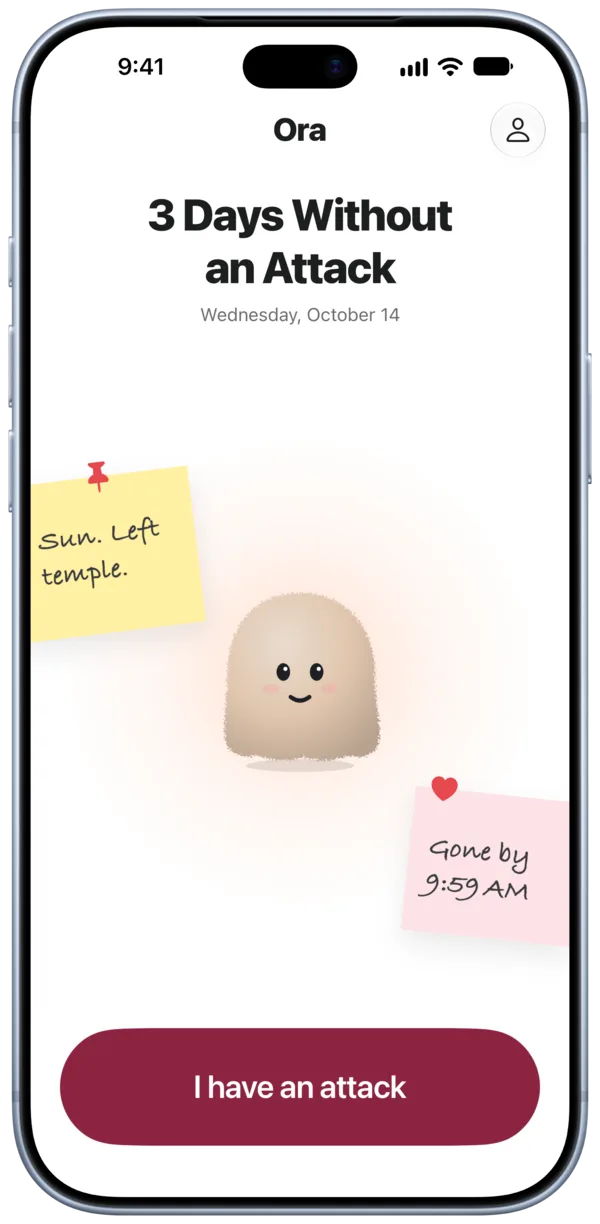
Ora home screen: 3 days without an attack, the Ora character, notes from past attacks and the I have an attack button
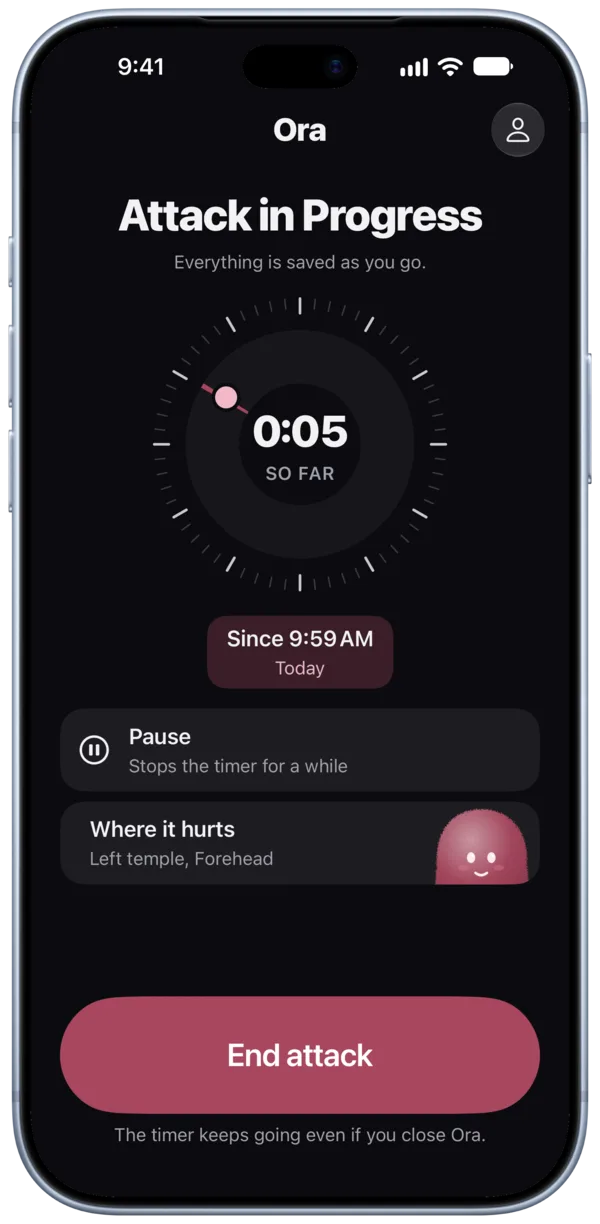
Attack in progress: a dark timer showing 0:05 so far, Pause, Where it hurts and End attack

During an attack

Dark, quiet screens for the worst moment.

One button starts the timer, and a whole attack takes about 30 seconds to log. Everything is saved as you go, and you can skip any step.

Attack in progress: a round timer, Pause, Where it hurts and End attack

Tap “I have an attack”

Ora keeps the time, even if you close the app. Pause it when the pain lets up for a while.

Where does it hurt: a head map with the left temple and forehead marked, strength 7 of 10

Mark where it hurts

Tap every spot on a head map, turn the head to reach the sides and the back, and set how strong it is.

How does it feel: pulsating and pressing picked, the pain spreads to the neck and eye

Say how it feels

Pick one or two, then the aura, other symptoms and what you took or tried.

After the attack

Look back at your own months.

Add details when you’re ready, log an attack you forgot, and see what you recorded over time.
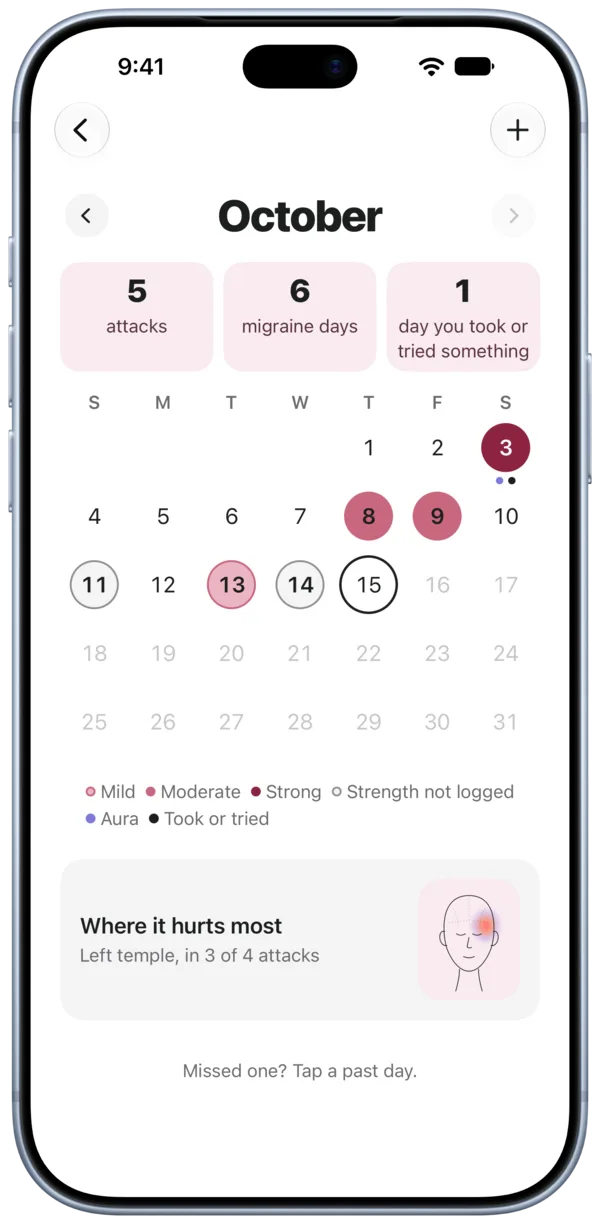
Calendar for October: 5 attacks, 6 migraine days, days colored by strength

Calendar

Each day is colored by the strength of its attack, with the aura and what you took or tried. Missed one? Tap a past day to log it.
  • Mild
  • Moderate
  • Strong
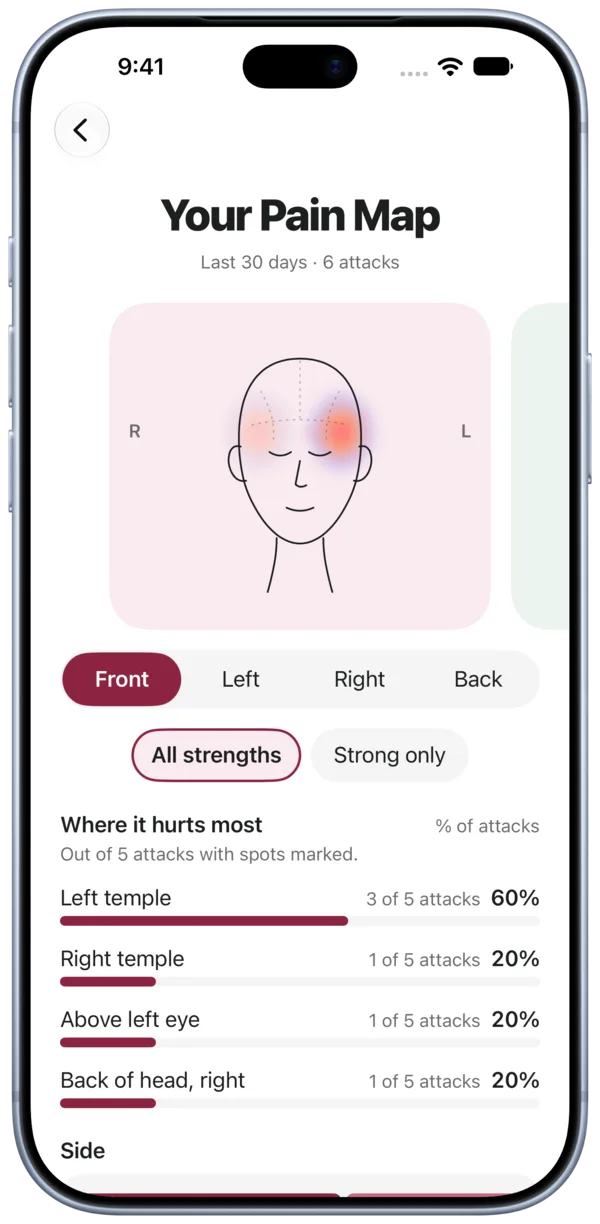
Your pain map for the last 30 days: the left temple marked in 3 of 5 attacks

Pain map

The spots you marked over the last 30 days, gathered on four views of the head: front, left, right and back.

The map shows only what you marked yourself.

Small things that help.

Gentle reminders

How did it go? Add details when you’re ready.A while after an attack
Any attack yesterday? Tap to log it.Morning check-in

Reminders are set on your iPhone. Turn either one off in Profile.

Export everything

Export all your data as JSON and CSV at any time, for free. Keep a copy, or send it to your doctor.

JSONCSV

Ora Plus

Free to log. Plus to look further back.

Free, always

  • Logging attacks
  • Month calendar
  • Pain map, last 30 days
  • Export all data
  • Reminders

Ora Plus adds

  • Pain map for the last 3 months
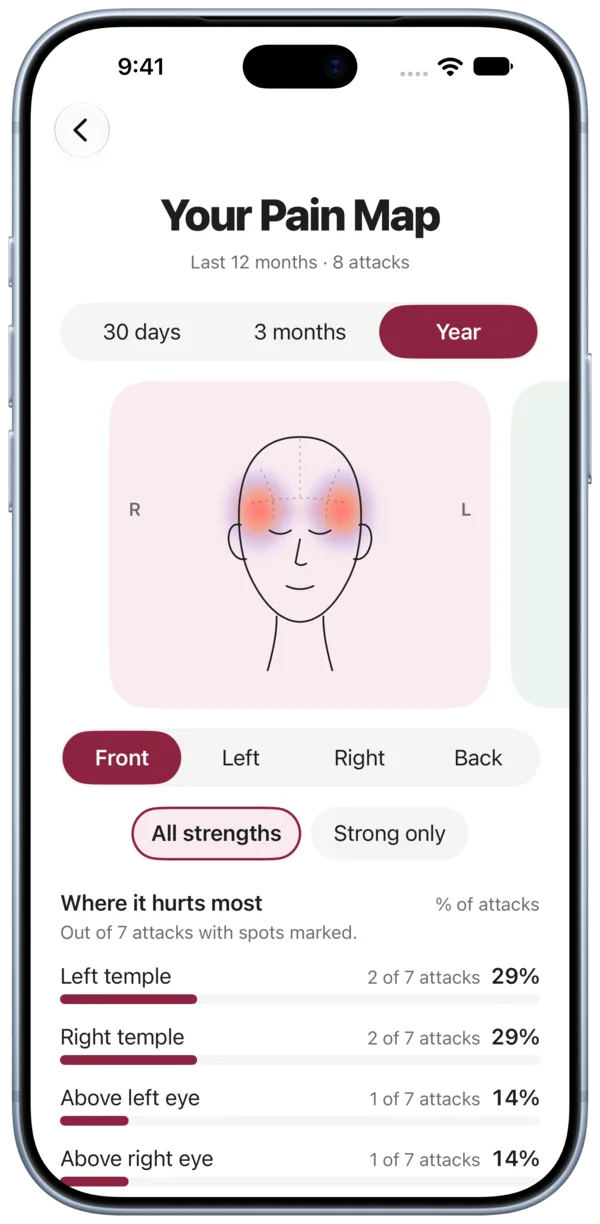
  • Pain map for the last 12 months
  • Year view of the calendar

Ora Plus is an auto-renewable subscription. Prices are shown in the app before you buy. Cancel any time in your Apple Account subscriptions. Terms of Use
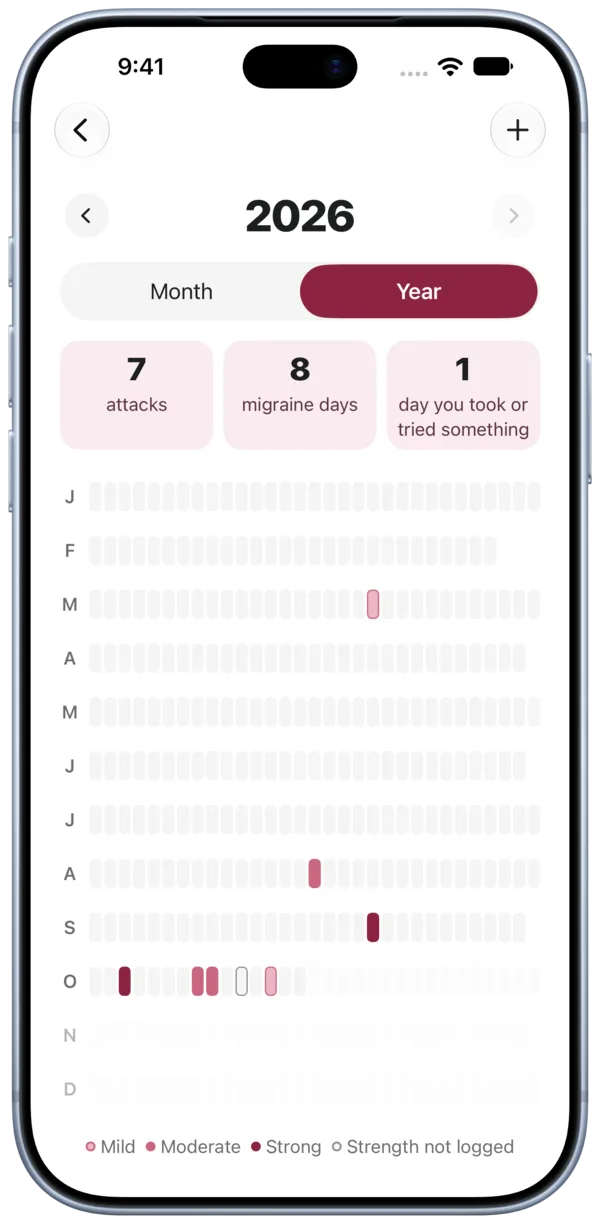
Calendar year view for 2026: 7 attacks, 8 migraine days, a row of days for each month
Pain map for the last 12 months
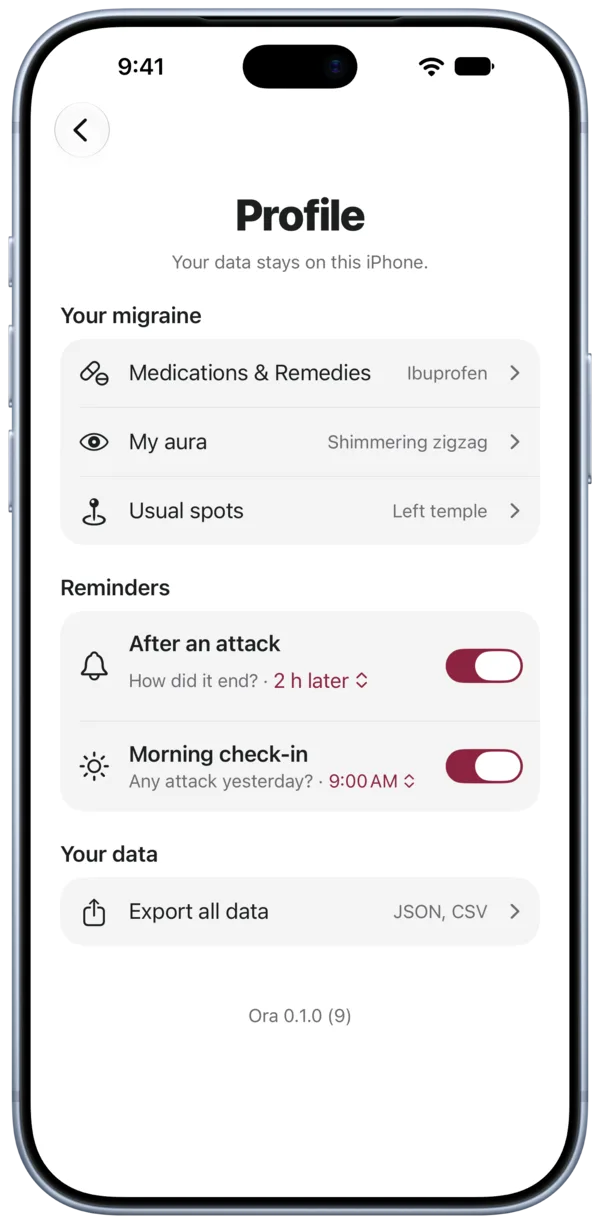
Profile: your data stays on this iPhone, medications, aura, usual spots, reminders and Export all data

Privacy

Your records stay on this iPhone.

Ora has no account and no server. Your attacks, spots, medications and notes are stored only on your iPhone, and we never see them.

  • No analytics and no crash reporting
  • No ads and no tracking across apps
  • Subscriptions run through Superwall, which never receives your health records
Read the Privacy Policy

Safety

Ora doesn’t replace a doctor.

Check with one before making medical decisions. At the end of each log, Ora shows a short list of when to get help now. It is based on public information from the National Institute of Neurological Disorders and Stroke (NIH) and the American Migraine Foundation, with links to the sources in the app.

Ora isn’t affiliated with or endorsed by these organizations.
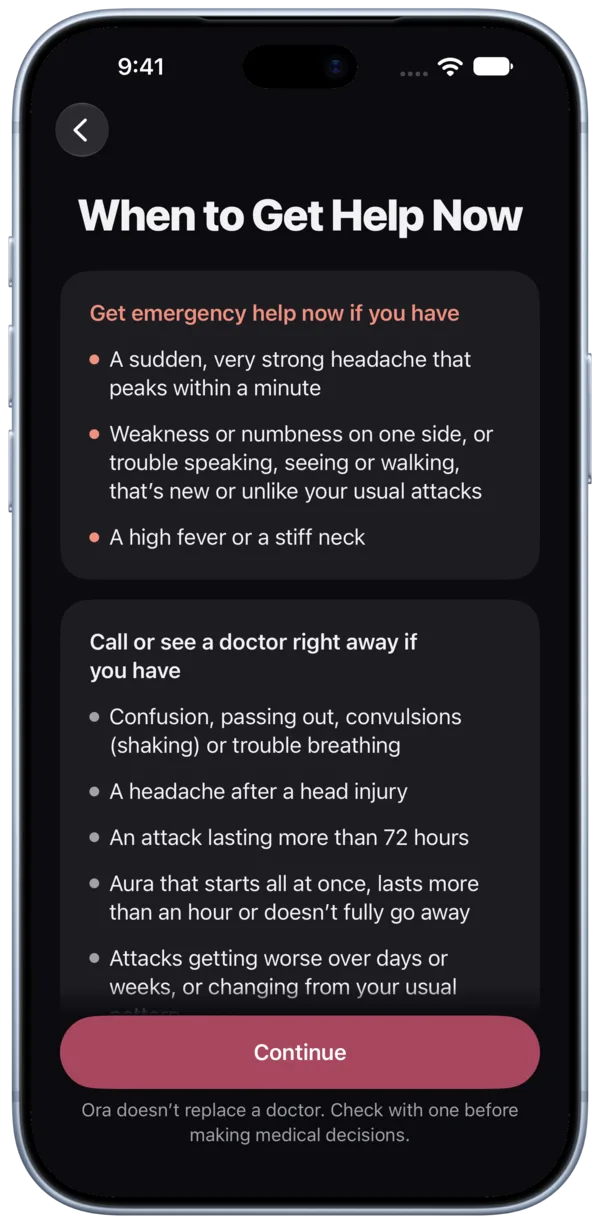
When to Get Help Now: when to get emergency help and when to call or see a doctor

Support

Questions and answers

Do I need an account?

No. Ora works without an account or sign-in.

Where are my records stored?

In a database inside Ora on your iPhone. Ora has no server and no cloud sync, so nobody else, including us, can read them.

Can I share my records with my doctor?

Yes. In Profile, tap Export all data to get JSON and CSV files, then send them however you like.

How do I restore Ora Plus on a new iPhone?

Sign in with the same Apple Account, open Profile and tap Restore purchases.

How do I cancel Ora Plus?

In Ora, open Profile and tap Manage subscription. Or on your iPhone, open Settings, tap your name, then Subscriptions. Cancel at least 24 hours before the period ends to avoid the next charge.

How do I delete my data?

Your records live only in Ora on your iPhone, so deleting the app deletes them. Export first if you want a copy.

Still need help?

We typically reply within 24 hours.

team@ora-migraine.app